View Categories

Using the Customer Portal

< 1 min read

How to Login to Hostbill #

The HA Hosting Portal allows you to
  • See and manage your services
  • Add your company contacts and assign permissions
  • Pay your bills
  • Download invoices.
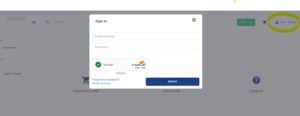
HostBill Login screen
How to login to HostBill

How to Assign a Purchase Order to you Service #

Login to Hostbill
In the product you want to add the Purchase Order Number to.
  • Select Edit Forms (or Edit Purchase Order #)
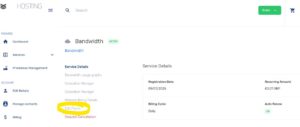
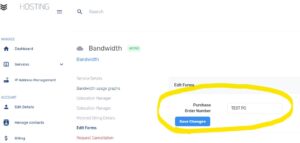
Edit-Forms to Assign a Purchase Order

Edit Forms to Assign a Purchase Order

  • Enter the Purchase Order Number
  • Click Save
Enter PO# and Save
Enter PO# and Save

#

How to find the correct product #

  • Select Services
  • Select the category (Virtual Servers, Popular Domain Name, Colocation)
    • Select the subcategory if required (e.g. Professional Virtual Servers or Cloud Hosting Account)
  • Select the Product
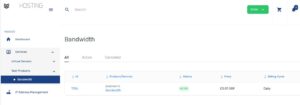
How To locate the correct product
How to locate the correct product

Reader Interactions

Leave a Reply

Your email address will not be published. Required fields are marked *